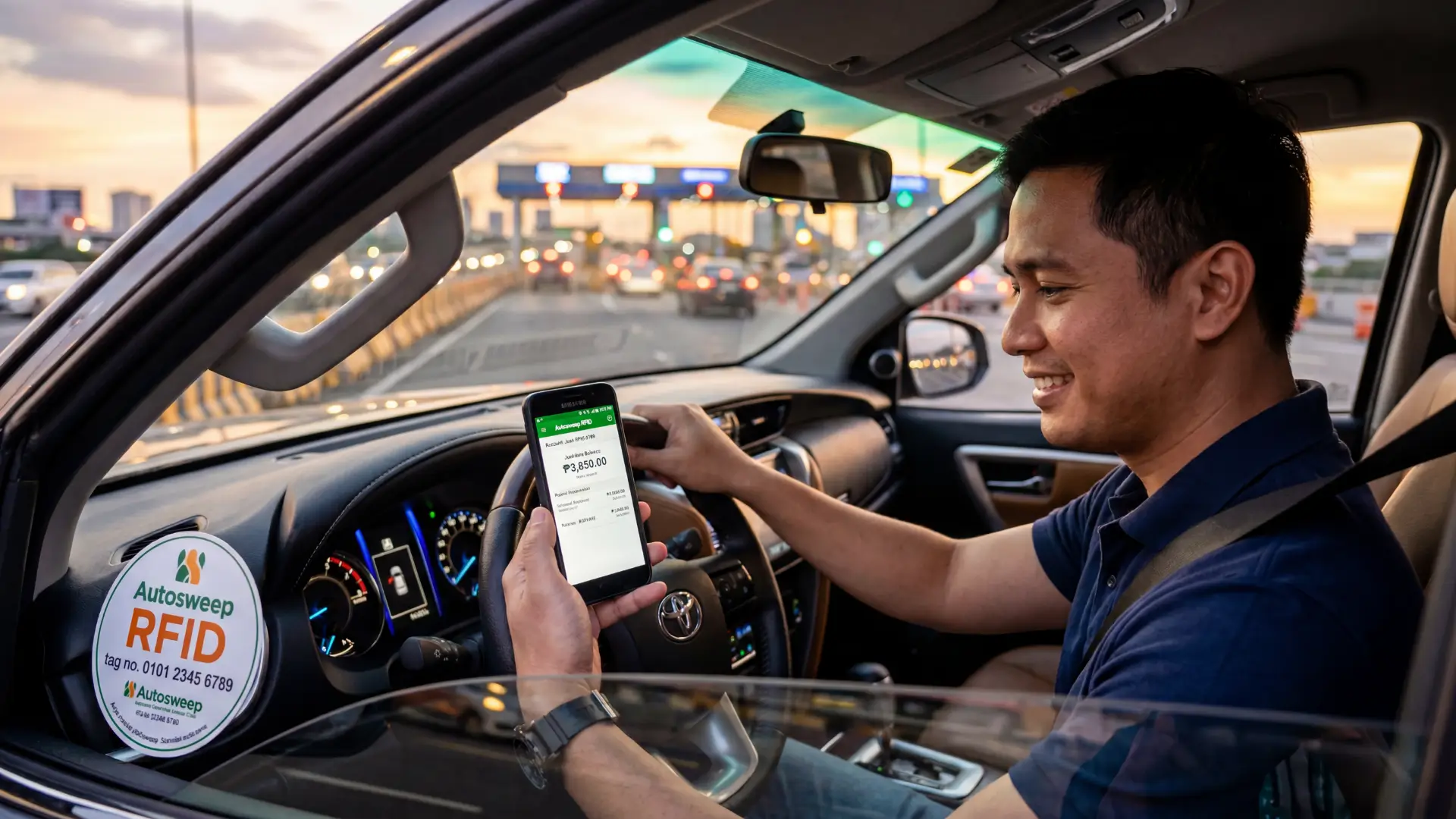
How to Check Autosweep Balance (2026 Guide)
Stuck at a toll booth, unsure if you have enough balance? That moment of panic is something every Filipino driver knows too well.
Checking your Autosweep RFID balance is easier than most people think. Whether you prefer doing it online, via SMS, or through a mobile app, there are multiple ways to stay on top of your balance before you hit the expressway.
This guide covers every method to check your Autosweep balance in 2026, including the fastest options most drivers overlook.
How to Check Autosweep Balance Online
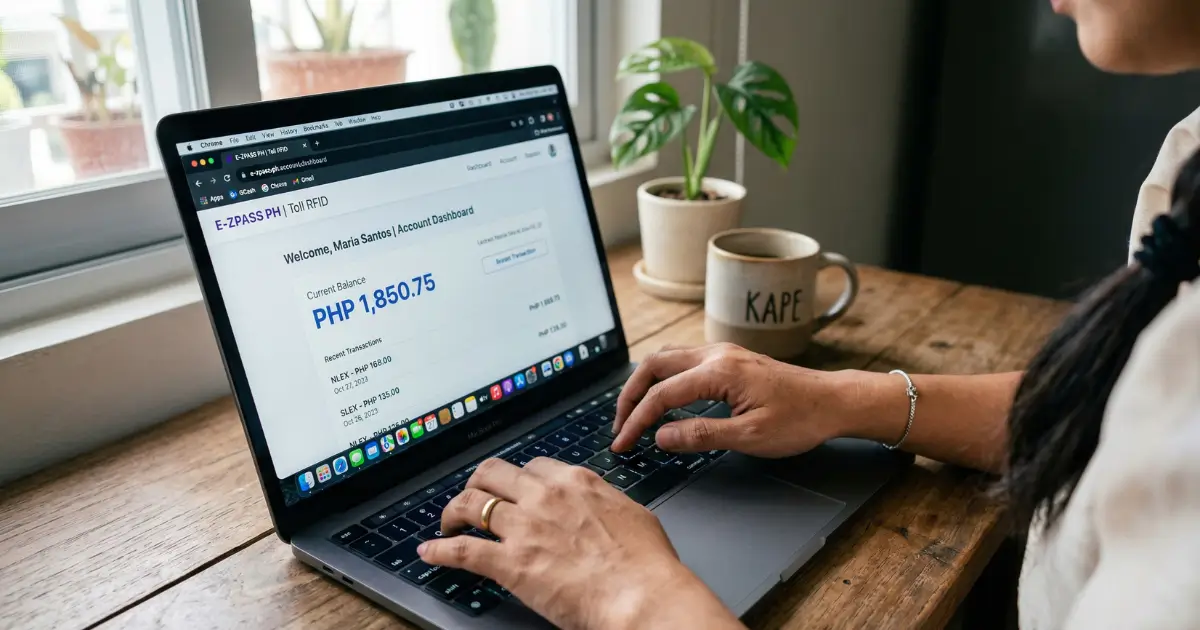
The official website is one of the most reliable ways to check your Autosweep RFID balance from anywhere, anytime. No need to go to a physical booth or wait in line.
Here is what you need to know.
Steps via Website (Autosweep.com)
Head over to autosweep, the official portal managed by San Miguel Corporation’s Tollways Management Corporation (TMC). This is the only official website, so avoid third-party sites claiming to offer autosweep quick balance checks online.
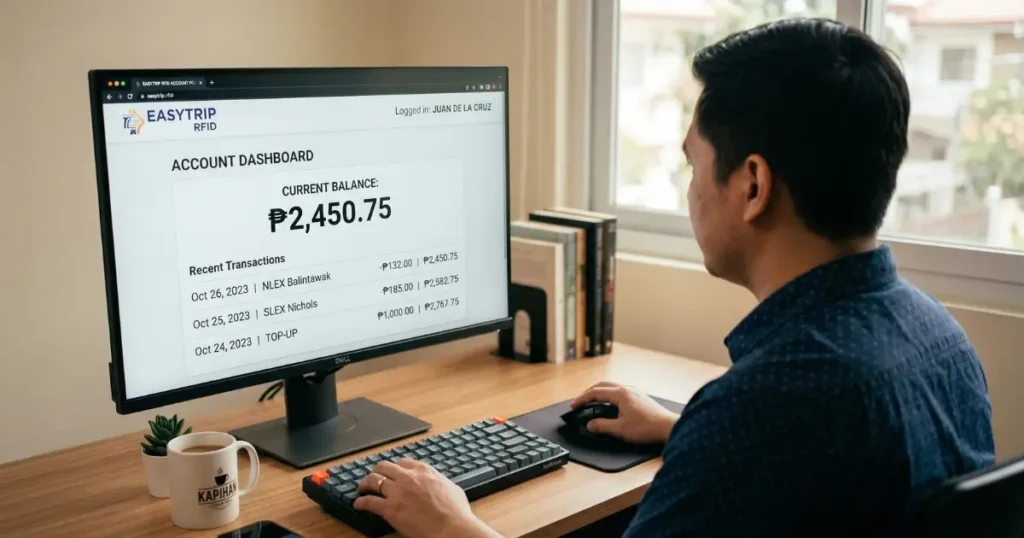
Follow these steps:
- Go to autosweep
- Click on “My Account” or the login option on the homepage
- Enter your registered email address and password
- Once logged in, click on “My RFID” or the balance section
- Your current Autosweep balance will display on the dashboard
- You can also view your transaction history from the same screen
Most people miss this: the dashboard also shows your last reload date and transaction logs, which is helpful if you suspect a deduction error.
Make sure your account is already registered. If not, you will need your RFID tag number (printed on your sticker) and a valid email to sign up.
Check Balance Without Login (Quick Balance Feature)
Here is the thing, not everyone wants to log in every single time. Autosweep understands that.
The website offers a Quick Balance check feature that lets you see your balance without logging into your account.
Steps:
- Visit autosweep.com.ph
- Look for the “Rfid Quick Balance Inquiry” option on the homepage
- Enter your RFID tag number (found on your windshield sticker)
- Hit Submit
- Your current balance will appear instantly
This is perfect for quick checks when you are rushing. No password needed, no account required.
How to Check Autosweep Balance via SMS
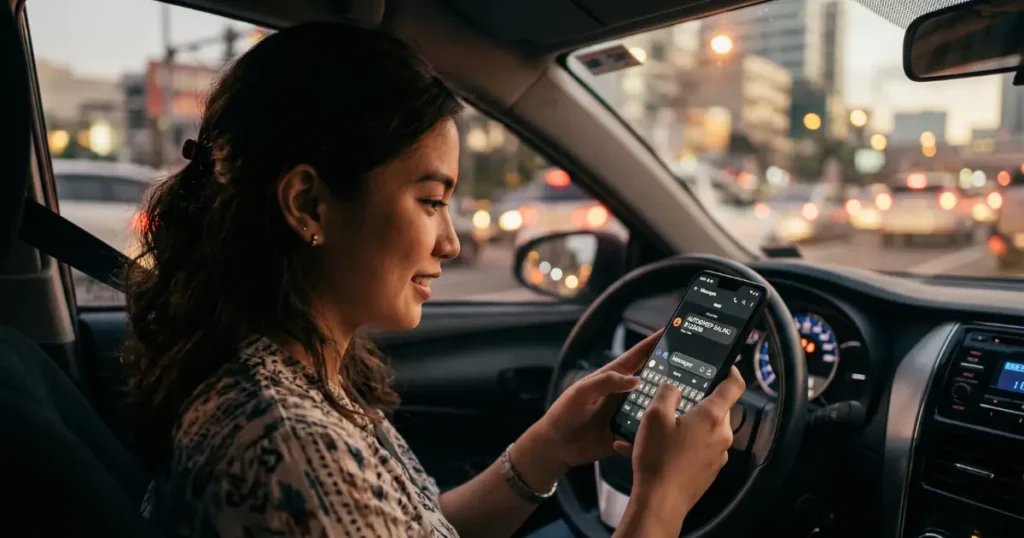
If you are on the road without internet access, SMS is your best friend. San Miguel Tollways provides an SMS-based balance inquiry service that works even on basic mobile phones.
SMS Format + Globe vs Smart Numbers
The SMS format is straightforward. Here is what you send:
Format: AUTOSWEEP BALINQ [Your Card Number]
Example: AUTOSWEEP BALINQ B123456
Send this message to the following numbers depending on your network:
- Globe subscribers: 09178608655
- Smart subscribers: 09188608655
Your card number is printed on the back of your Autosweep RFID card. Make sure you use the card number, not your plate number.
You should receive a reply within a few seconds showing your current RFID balance and last transaction. Standard SMS charges apply based on your mobile network provider’s rates.
Common SMS Issues and Fixes
Not getting a reply? Here are the most common reasons and how to fix them:
- Wrong format: Make sure you type AUTOSWEEP BALINQ exactly, then a space, then your card number
- Wrong card number: Use the number printed on the back of your RFID card, not your plate number
- Unregistered number: Your mobile number must be linked to your Autosweep account
- Network delay: Wait a few minutes and try again, especially during peak hours
- Inactive RFID: If your RFID has not been used or reloaded in a long time, contact the hotline to verify account status
If none of these fixes work, call the Autosweep hotline at (02) 5318-8655 for direct assistance.
How to Check Autosweep RFID Balance via Mobile App
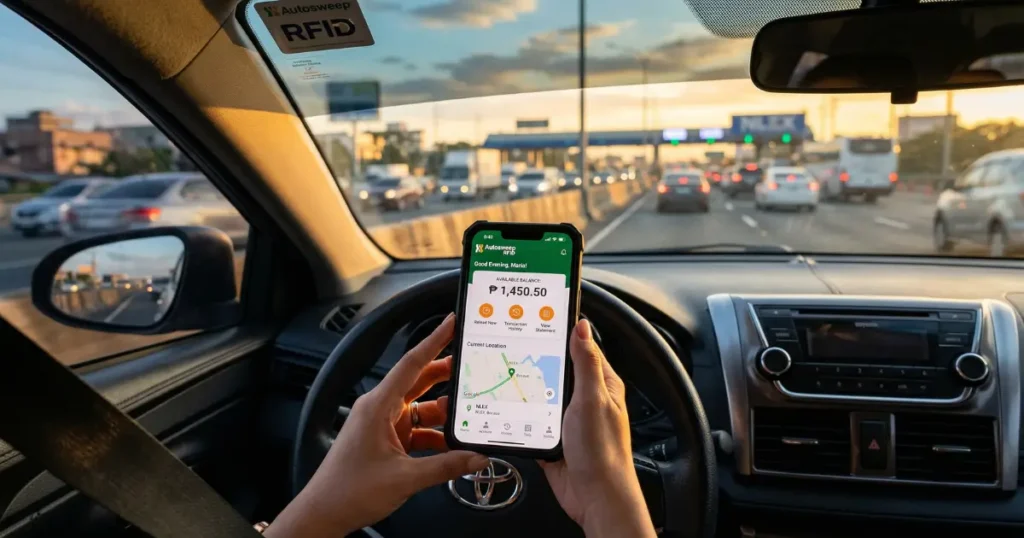
This is honestly the fastest and most convenient method in 2026. The Autosweep mobile app puts everything in your pocket.
San Miguel Tollways officially supports a mobile application that allows registered users to check their balance, view transaction history, and even reload their RFID directly from their phone.
Here is how to use it:
- Download the Autosweep RFID Mobile App from the Google Play Store (Android) or Apple App Store (iOS)
- Open the app and log in using your registered email and password
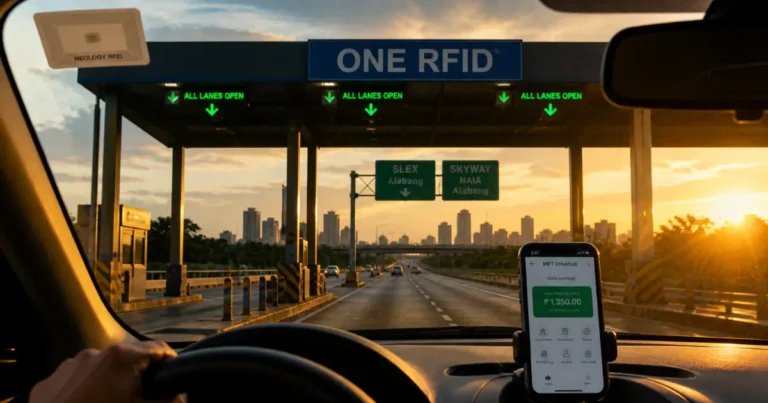
- The home dashboard will immediately show your current RFID balance
- Tap on “Transactions” to see a detailed history of all toll deductions
- Enable push notifications to get real-time alerts every time your balance is deducted
Why is this the fastest method? Because once the app is installed and you are logged in, you see your balance the moment you open it. No typing, no waiting, no browsing.
Real-world tip: Many regular expressway commuters set up balance threshold alerts inside the app so they receive a notification when their balance drops below a certain amount. This saves them from getting caught off guard at the toll.
Always download the app from official stores only. Avoid APK downloads from unverified sources as these can compromise your account security.
Other Ways to Check Autosweep Balance
Sometimes you do not have your phone handy, or the app is acting up. No worries. There are a few more methods worth knowing.
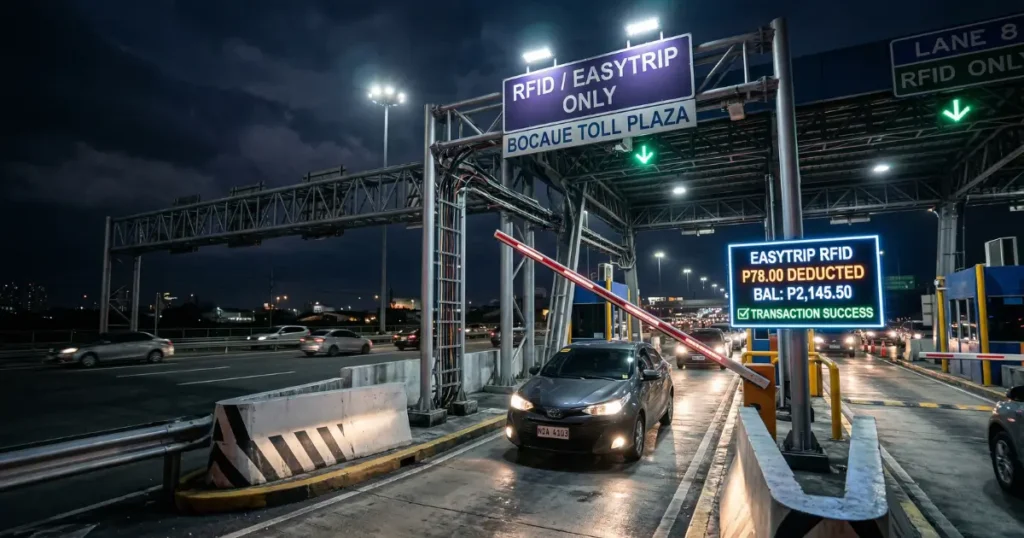
Toll Booth LED Screen
Every time you pass through an Autosweep-enabled toll booth, the LED screen at the RFID lane briefly displays your remaining balance after the deduction. It only flashes for a few seconds, so pay attention.
This is a passive way to stay updated without doing anything extra. Make it a habit to glance at the screen each time you pass through.
Customer Hotline
Call the Autosweep customer service hotline at (02) 5318-8655. A live representative can verify your balance after confirming your account details.
This method is best for resolving issues, not just casual balance checks, since wait times can vary.
Auto SMS Notification After Each Trip
Here is something many drivers do not realize: Autosweep automatically sends an SMS notification after every toll deduction if your mobile number is registered and linked to your account.
The message shows the deducted amount and your remaining balance. It is like a mini receipt on your phone every time you pass through.
To activate this, make sure your registered mobile number is updated in your Autosweep profile at autosweep.com.ph.
How to Reload Autosweep via GCash
Knowing your balance is one thing. Reloading it before it hits zero is just as important. Let me walk you through the easiest reload method available right now: GCash.
Here is how to reload your Autosweep RFID using GCash:
- Open the GCash app on your phone
- Tap “Pay Bills” from the main menu
- Under the billers list, search for “Autosweep RFID”
- Enter your RFID account number as the account number
- Enter the amount you want to reload (minimum reload amounts may apply, verify on the official website)
- Review the details and tap “Confirm”
- You will receive a GCash confirmation message and your Autosweep balance will update shortly
Reload processing time is usually within a few minutes. However, during high traffic periods like long weekends or holidays, it can take up to a few hours.
Other reload options include:
- BancNet online banking
- Over-the-counter at San Miguel Tollways accredited payment centers
- Selected partner banks and e-wallets
- 7-Eleven via CLiQQ app or in-store
- Autosweep reloading stations at toll plazas
Always keep a buffer in your balance. Most experienced expressway users recommend maintaining at least PHP 200 to PHP 500 as a buffer so you are never caught short.
Common Problems and Fixes
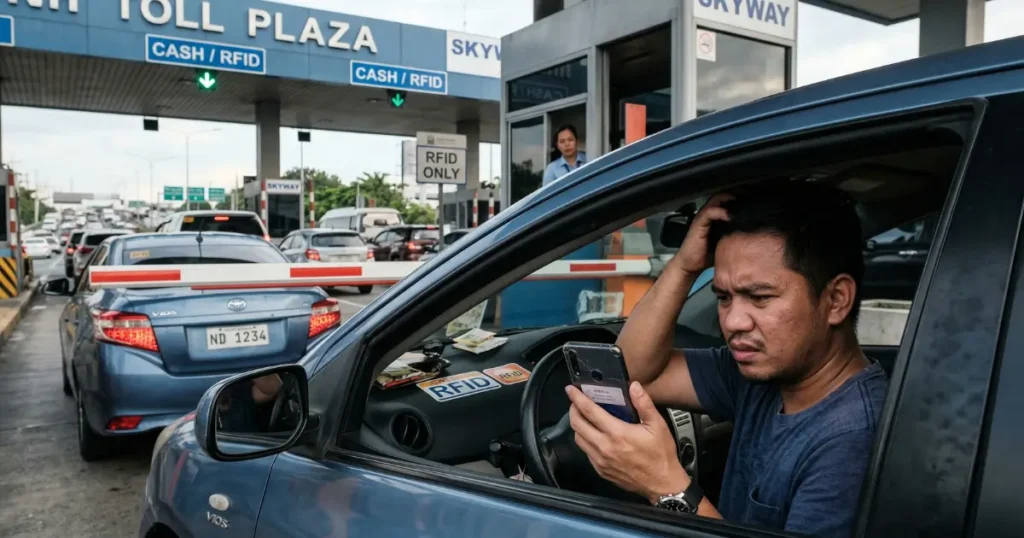
Even with a working RFID, issues happen. Here are the most common ones and how to solve them fast.
Balance not updating after reload Wait at least 15 to 30 minutes. If it still has not updated, contact the hotline with your GCash transaction reference number.
RFID not being read at the toll Check if the sticker is properly mounted on the windshield, not obstructed by a tint or any film. Misaligned or damaged stickers can cause read failures.
Account locked or unable to log in Use the “Forgot Password” option at autosweep.com.ph. If that does not work, email [email protected] or call their hotline directly.
Wrong balance deducted Note the date, time, and toll booth location. Contact customer service immediately with these details. San Miguel Tollways has a dispute resolution process for billing errors.
RFID sticker damaged or peeling Visit an Autosweep RFID enrollment center or San Miguel Tollways customer service outlet for a replacement. Bring your vehicle registration and a valid ID. A replacement fee of PHP 200 applies.
FAQs
How do I check my Autosweep balance without internet?
Send AUTOSWEEP BALINQ [Your Card Number] to 09178608655 (Globe) or 09188608655 (Smart). You can also check the LED screen at the toll booth after each transaction, or call the Autosweep hotline at (02) 5318-8655 for a balance inquiry.
Is there a minimum balance required for Autosweep RFID?
Yes. Autosweep requires a minimum maintaining balance of PHP 100 for Class 1 vehicles, PHP 200 for Class 2, and PHP 300 for Class 3. If your balance falls below this, an insufficient balance error may occur at the toll gate.
How long does Autosweep GCash reload take?
Most GCash reloads for Autosweep are processed within a few minutes. In some cases, especially during holidays or peak traffic periods, processing may take a few hours. Keep your GCash transaction reference number for follow-up.
Can I check my Autosweep balance without registering an account?
Yes. The Quick Balance Inquiry feature on autosweep.com.ph lets you check your balance using just your RFID account number, no login required. However, for transaction history and reload access, a registered account is needed.
What is the Autosweep customer service hotline?
The official hotline number is (02) 5318-8655. You can also reach them via email at [email protected] for balance inquiries, dispute resolution, RFID replacement, and general account support.
How do I know if my Autosweep RFID is active?
Log in to autosweep.com.ph or use the Quick Balance feature. An active RFID will show a positive balance and recent transaction history. If you see an error or no data, your RFID may be inactive or unregistered.
Conclusion
Knowing how to check your Autosweep balance before hitting the expressway is one of those small habits that saves you a lot of stress. Whether you use the website at autosweep.com.ph, the mobile app, SMS inquiry, or simply glance at the toll booth screen, all methods work reliably in 2026.
The mobile app is the fastest for regular commuters. The Quick Balance feature online is great for no-fuss checks. And if you enable auto SMS notifications, you will always know your balance without even trying.
Keep your balance loaded, keep your account details updated, and your daily commute stays smooth.
Ready to check your Autosweep balance right now?
Visit autosweep or open the Autosweep RFID Mobile App and take 30 seconds to make sure you are set for your next trip